Introduction
This guide will take you the process of updating the System Frontier web server. If you have more than one web server, you’ll need to repeat these steps on each one.
Getting ready
Download the latest version of System Frontier from your account page.
The update must be run from the web server, so unzip the the file there.
Update process
Double-click setup-web.exe and agree to the EULA.
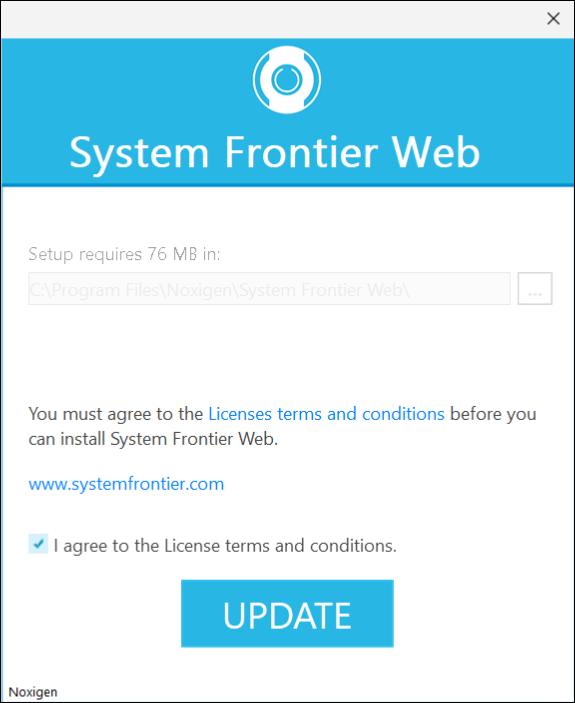
Click Update to begin the update process.
Once complete, click Finish.