Introduction
This guide will take you the process of updating the System Frontier database instance.
Getting ready
Download the latest version of System Frontier from your account page.
Unzip the file on a machine that has proper network connectivity to the database instance on SQL Server.
Update process
Double-click setup-database.exe and agree to the EULA.
Enter the the database connection information and provide a SQL login with db_owner permissions. Typically this will be the same account configured during the initial setup.
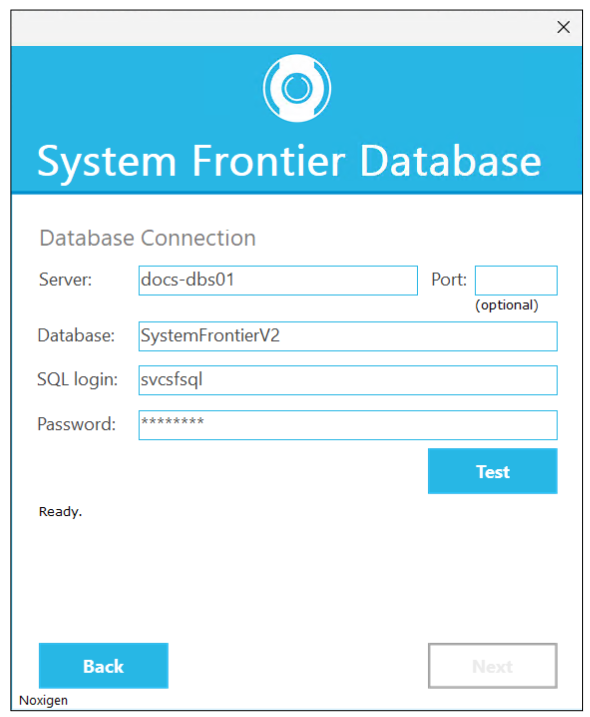
Click Test.
If the connection is successful, you see a message like the one below.
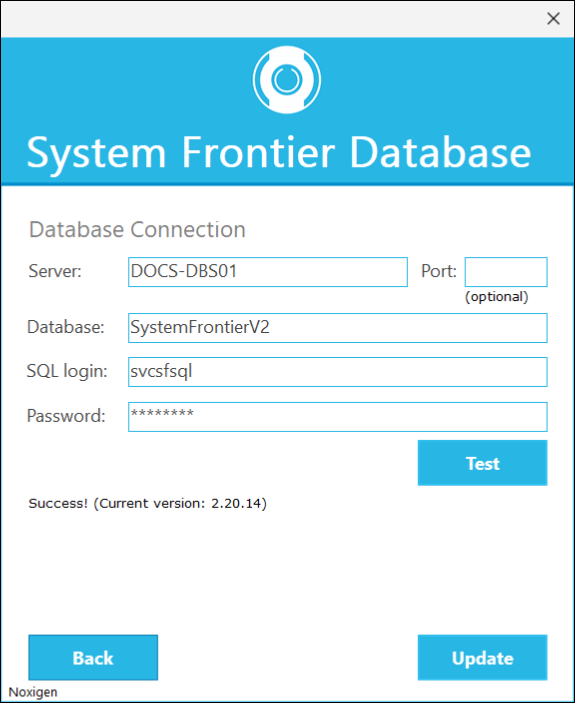
If everything looks good, click Update to begin the update process.
Once complete, click Finish.