Introduction
In this guide, you will install the execution host service. This Windows service is where all tool actions in System Frontier are executed and where custom tool files and dependencies are hosted.
System Requirements
| Recommended | Minimum | |
| Server OS: | Windows Server 2025 | Windows Server 2019 |
| Cores / vCores: | 4 | 2 |
| Memory: | 16 GB | 8 GB |
| Disk space: | 40 GB | 20 GB |
Getting Ready
Please perform the following tasks before starting the install.
- Download the latest setup zip file from your account page.
Installation steps
- The installation must be run from the execution host server.
- Extract the setup zip file.
- Run the setup-service.exe file.
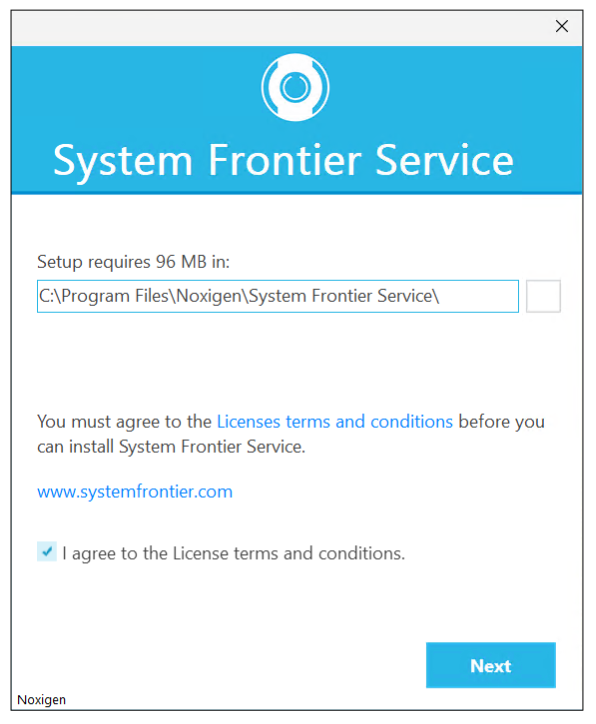
- Continue with the default install path or choose another.
- Accept the license terms and conditions, then click Next.
- The default TCP port is 48501 but can be changed to another available port.
Note: This port will be used for communication between the web server and this execution host.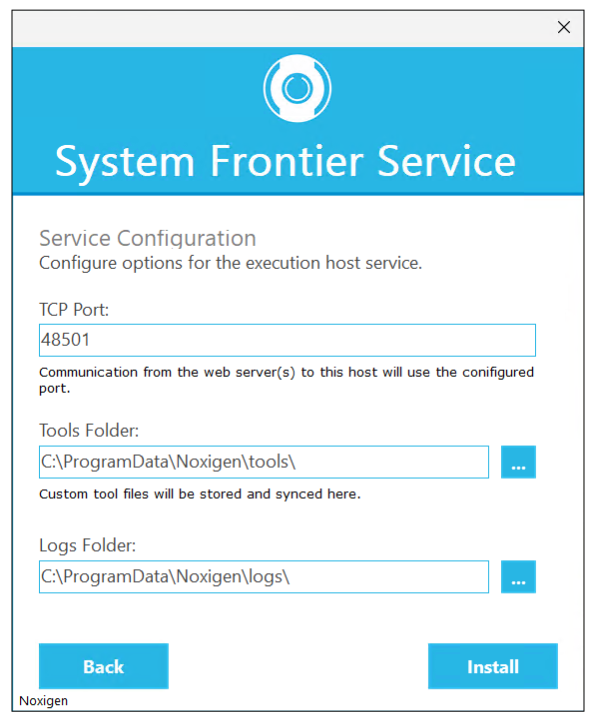
- You can leave the default Tools folder and Logs folder values or choose others.
- Verify all values are correct and click Install.
Note: It may take several minutes to complete the installation. The installer will install prerequisite software, including the Hosting Bundle for Windows Server and PowerShell 7, before creating the System Frontier Execution Host service.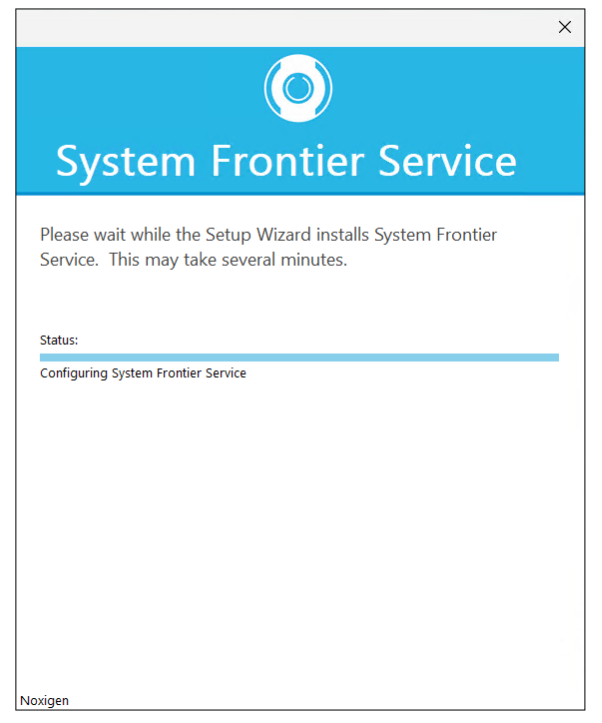
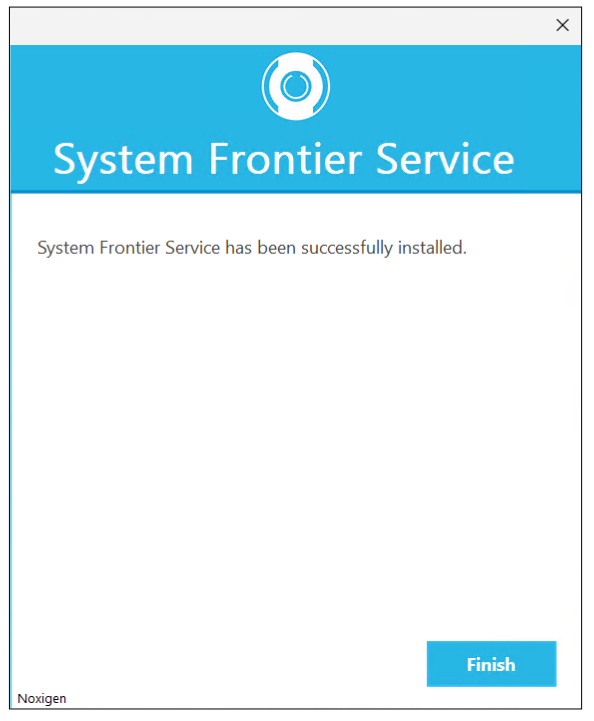
- Once the installation has completed successfully, click Finish.
Next Steps
Once the execution host setup has completed successfully, the System Frontier Execution Host service should be running and listening on the configured port.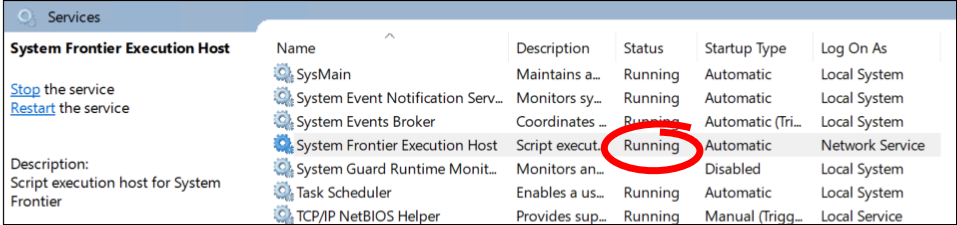
Optionally, you can verify that service is listening on the correct port by checking the log file.
Get-ChildItem -Path "C:\ProgramData\Noxigen\logs\" -Filter "audit*.log" -File | Sort-Object LastWriteTime -Descending | Select-Object -First 1 | Get-Content -Last 10Look for output similar to the following:
2026-02-23 23:20:01.924 +01:00 [INF] Now listening on: https://[::]:48501
2026-02-23 23:20:01.926 +01:00 [INF] Application started. Hosting environment: Production; Content root path: C:\Program Files\Noxigen\System Frontier Service\
You can now install the web application.